Author: Ryan Burke

  • Dickinson Blogs FAQ

    Logging in

    Login here: http://mediacenter.dickinson.edu/wp-login.php

    I forgot my password

     Follow the “I lost my password” link on the login page.  Fill in your email address and follow the instructions that are sent to your email.

    Creating a post

    How to create posts and best practices: http://codex.wordpress.org/Writing_Posts

    The difference between posts and pages

    Posts:

      • Posts are entries listed in reverse chronological order on the blog home page or on the posts page if you have set one in Settings→ Reading. If you have created any sticky posts, those will appear before the other posts. Posts can be found in the Archives, Categories, Recent Posts, and other widgets. Posts are also displayed in the RSS feed of the blog. You can control how many posts are displayed at a time in the Reading Settings.

    Pages:

      • Pages are static and are not listed by date. Pages do not use tags or categories. An About page is the classic example. Pages can be displayed in the sidebar using the Pages widget, and some themes display pages in tabs at the top of the blog. If you have 50 pages and you use the Pages widget, then all pages will be listed all the time.

    Adding users

    To add a user to your blog go to Dashboard > Users > Add New

    If a user has already been added to a blog on the Dickinson blogs add them as an existing user

    Roles:

      • Subscriber – Can only manage their profile
      • Contributor – Can write and manage their posts but not publish them
      • Author – Can create, edit and delete their own posts
      • Editor – Can create, edit and delete any posts or pages
      • Administrator – Can access to all the administration features

    Adding new themes

    Some themes are already available to find them go to Dashboard > Themes

    Additional themes can be found here: http://wordpress.org/extend/themes/

    If you would like a new theme added please contact the media center.

    Adding new plugins

    Some plugins are already available to find them go to Dashboard > Plugins

    Additional plugins can be found here: http://wordpress.org/extend/plugins/

    If you would like a new plugin added please contact the media center.

    Web accessibility guidelines

    Add descriptions to your images in the alternative text field.

    When linking to content, describe the content page that you are linking to instead of using the raw url.

    More information can be found here: https://www.w3.org/TR/WAI-WEBCONTENT/
  • Public Domain & Creative Commons Resources

    Public Domain & Creative Commons Resources

    Multiple Media Types

    Wikimedia Commons:
    A database of 4,909,797 freely usable media files to which anyone can contribute.
    http://commons.wikimedia.org/wiki/Main_Page

    Creative Commons Search

    Text

    Project Gutenberg:
    A database containing the text of over 30,000 (primarily public domain) books.
    http://www.gutenberg.org/wiki/Main_Page

    Images

    U.S. Government Photos and Images:
    Note: Most, but not all of these, will be public domain so check the license terms for the particular site you are in.

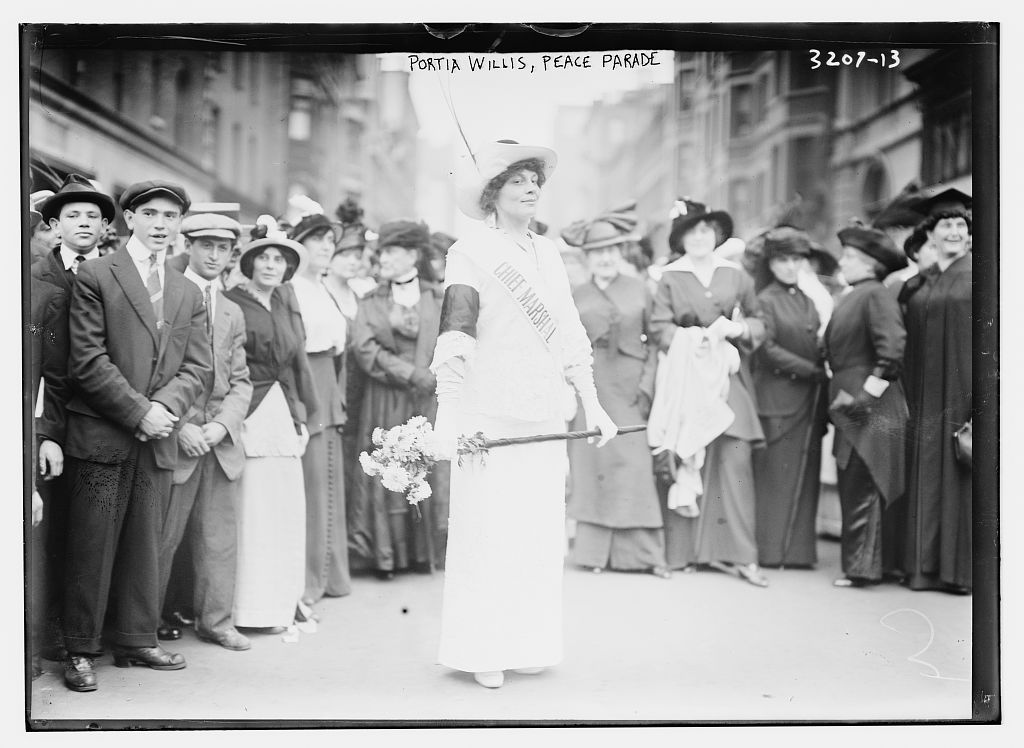
    The Library of Congress has a Flickr site and “although the Library of Congress does not grant or deny permission to use photos, the Library knows of no copyright restrictions on the publication, distribution, or re-use of these photos. “:
    http://www.flickr.com/photos/library_of_congress/

    Flickr – Creative Commons Search
    Flickr Commons- Museums and Archives

    Audio

    1. CCmixter – Music

    2. Freesound – Sound Effects

    3. PDSound – Sound Effects

    4. Sound Bible – Sound Effects

    5. Public Domain Information Project – Music & Sheet music

    6. Musopen

    7. ibeat – free beats, loops & breaks

    8. Free Music Archive – Music

    9. Jamendo

    Video

    1. Entertainment Magazine’s Free Movies

    2. Public Domain Movies

    3. Open Video Project

    4. Internet Archive

  • Creative Commons

    Creative Commons

    Creative Commons is a nonprofit corporation dedicated to making it easier for people to share and build upon the work of others, consistent with the rules of copyright.

    They provide free licenses and other legal tools to mark creative work with the freedom the creator wants it to carry, so others can share, remix, use commercially, or any combination thereof.

    Attributing Creative Commons Works

    1. Keep intact any copyright notices for the work

    • If the original work has a copyright notice, then include it when you use or cite the work

    2. Credit the author, licensor and/or other parties in the manner they specify

    • If creator says, “Please attribute John Smith” then attribute John Smith
    • If there is no note but a copyright notice, attribute the copyright holder
    • If there is no note and no notice, but there is a username, check the creator’s profile for more information
    • If none of the above exists, attribute the website by name

    3. Include the title of the work

    • If the work has a title, then include it
    • If the work has no title, use appropriate reference: “Untitled” by John Smith

    4. Include the URL for the work if applicable

    • Link back to the original source wherever possible
    • Some print uses may allow for alternatives

    5. Include the URL for the Creative Commons license that applies
    6. Derivative works should acknowledge the derivation

    On the Internet or in other electronic resources, links to sources and licenses may be embedded within the document and appear as:

    An Ideal Attribution

    This video features the song “Play Your Part (Pt.1)” by Girl Talk, available under a Creative Commons Attribution-Noncommercial license. © 2008, Greg Gillis.

    A Realistic Attribution

    Photo by mollyali, available under a Creative Commons Attribution-Noncommercial license.

    A Derivative Work Attribution

    This is a video adaptation of the novel Down and Out in the Magic Kingdom by Cory Doctorow, available under a Creative Commons Attribution-Noncommercial-Share Alike license. Copyright © 2003 Cory Doctorow.

    A PDF version of this document is also available for download.


    Document by Anthony Helm. Licensed under a Creative Commons Attribution-Noncommercial 3.0 United States License. It is derived and includes text from Molly Kleinman http:// mollykleinman.com/2008/08/15/cc-howto-1-how-to-attribute-a-creative-commons-licensed-work/.
  • Copyright & Fair Use

    Copyright & Fair Use

    Copyright

    The Media Center must follow copyright laws when converting, copying or editing media formats. Fair Use doctrine and the Teach Act specify that portions of films, television shows, audio works and text can be used for educational purposes under certain conditions. The media center equipment may not be used in a manner that would violate copyright.

    The following information compiles helpful guides and best practices when navigating the confusing world of Fair Use & Copyright.  Feel free to contact mediacenter@dickinson.edu with any specific question you may have regarding the use of copyrighted materials in audio & video productions as well as in class use.

    Fair Use

    Fair use is the right, in some circumstances, to quote copyrighted material without asking permission or paying for it. Fair use enables the creation of new culture, and keeps current copyright holders from being private censors. With the Washington College of Law, the Center for Social Media creates tools for creators, teachers, and researchers to better use their fair use rights.  The following are some resources created by the Center for Social Media that can serve as a guide to follow best practices in applying fair use to your projects.

    Fair Use Checklist to help decide if you can use a copyrighted work in your project

    Copyright slider to help determine if work is in the Public Domain

    Code of Best Practices in Online Video

    Full guidelines for online video

    Code of Best Practices in Fair Use for Media Literacy Education

    Full list of guidelines for Media Literacy Education

    Documentary Filmmakers’ Statement of Best Practices in Fair Use

    Full set of guidelines for Documentary Filmmakers

    Examples of Successful Fair Use in Documentary Film

    Fair Use Frequently Asked Questions

    Code of Best Practices in Fair Use for Scholarly Research in Communication

    Guidelines for Scholarly Research

  • Pumpkin Carving

    Pumpkin Carving

    Join us for a pumpkin carving workshop Oct 31st at 6:30pm

  • Welcome Back – Fall 2025

    Welcome Back – Fall 2025

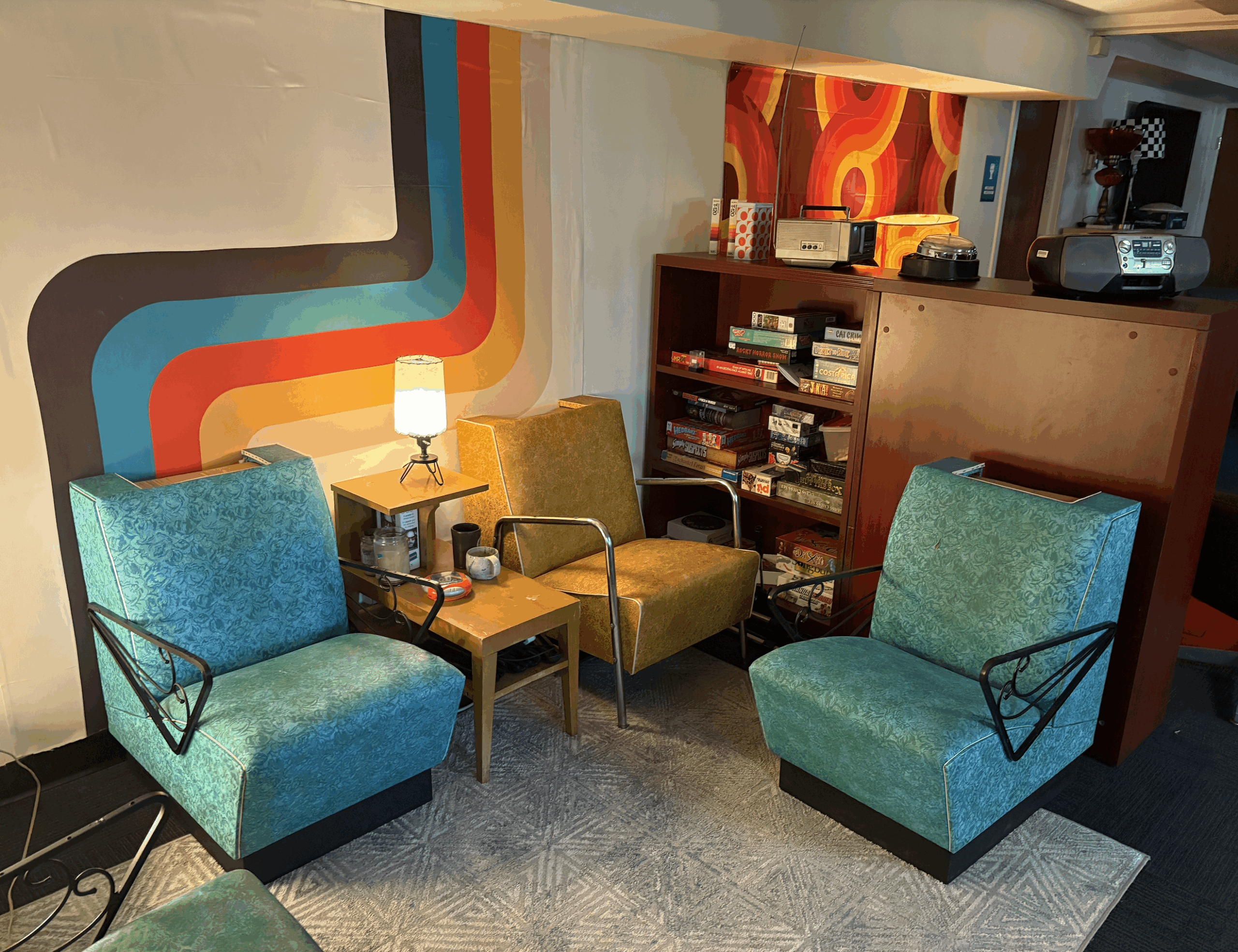
    We are excited to share some changes to the media center and the makery. Our former lounge space is now a sewing space.

    Grab a sewing machine and get mending and making. This means we have more space for higher tech based creating  in the side room. Try designing something to 3D print, laser engrave and Cricut cut.

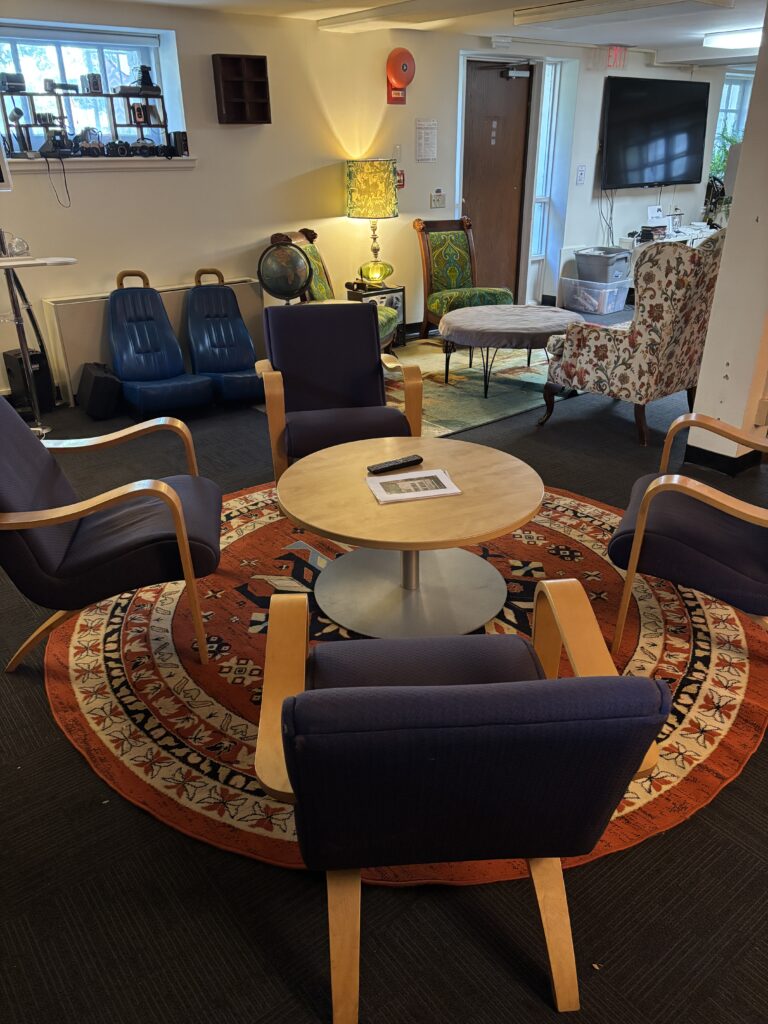
    Our expanded lounge space is equipped with funky furniture, video game systems and physical games.

    This hangout is available to the entire Dickinson community.

  • Halloween Costume Workshop

    Halloween Costume Workshop

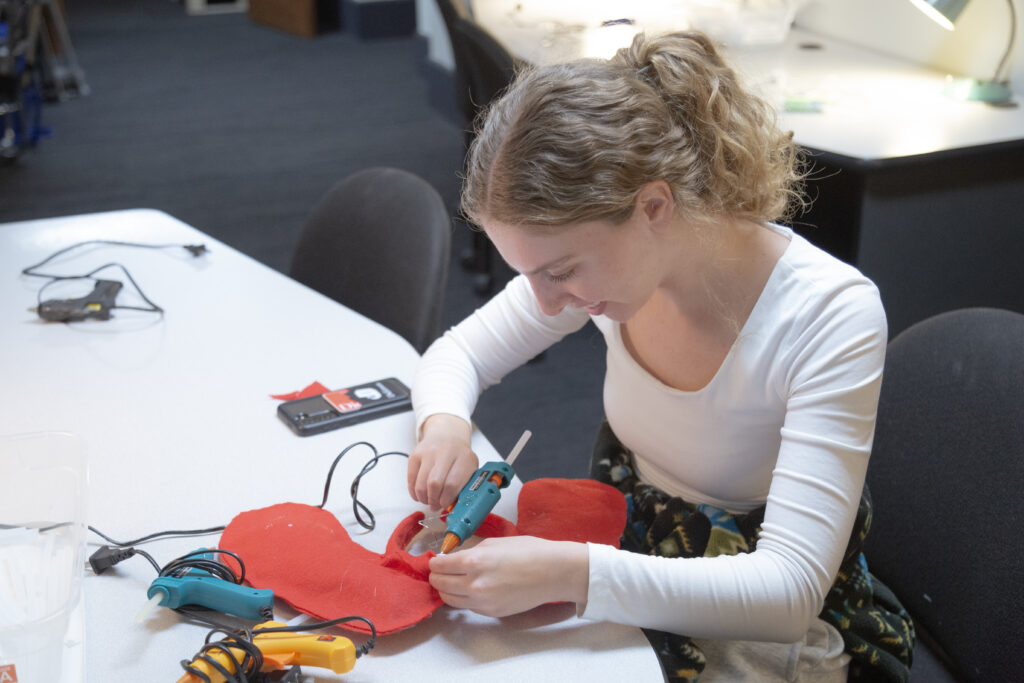
    Thank you for joining us at the Halloween Costume Workshop. We still have supplies available for anyone looking to put the finishing touches on  their costume.