
No tutorials match that search. Try another word, or ask us at the Media Center desk.
-
Adobe Premiere Pro Tutorial
Adobe Premiere Pro is a widely used, industry-standard video editing program found in film, television, marketing, and online…
1–2 minutesView: Adobe Premiere Pro Tutorial -
Audacity Tutorial
Audacity is a free, open-source audio editing and recording tool that’s widely used for podcasts, voiceovers, and basic…
1–2 minutesView: Audacity Tutorial -
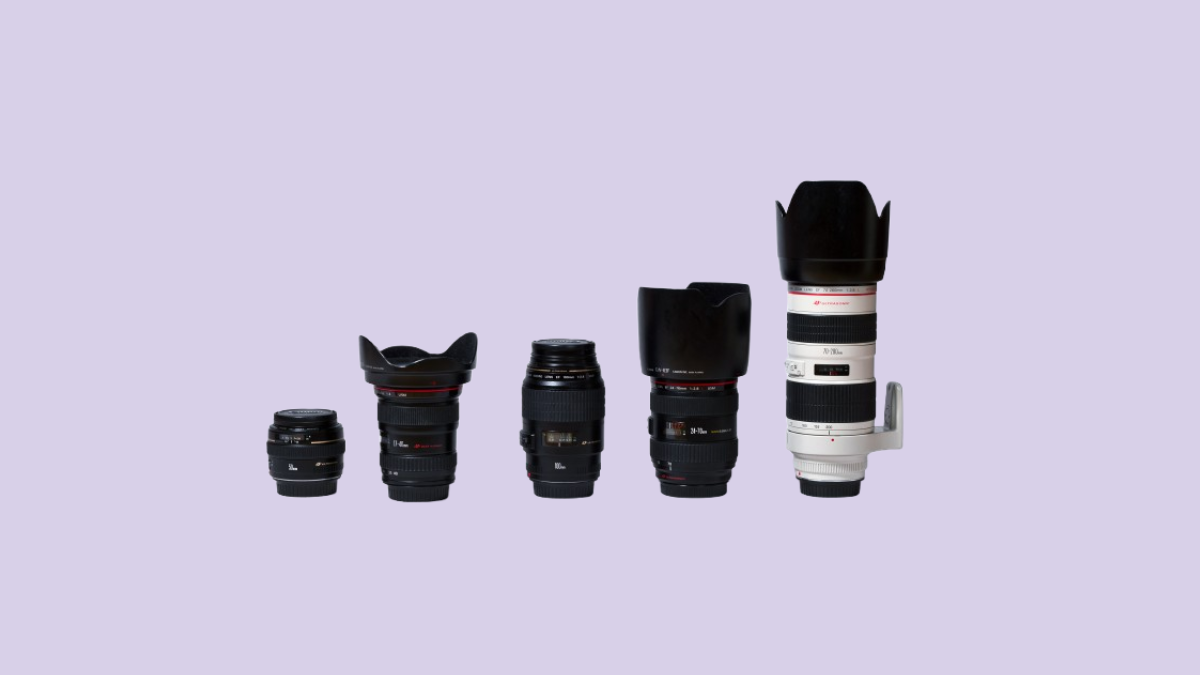
Camera Lens Basics Tutorial
Choosing the right lens can completely change the way your video or photo looks. This quick guide explains…
1–2 minutesView: Camera Lens Basics Tutorial -
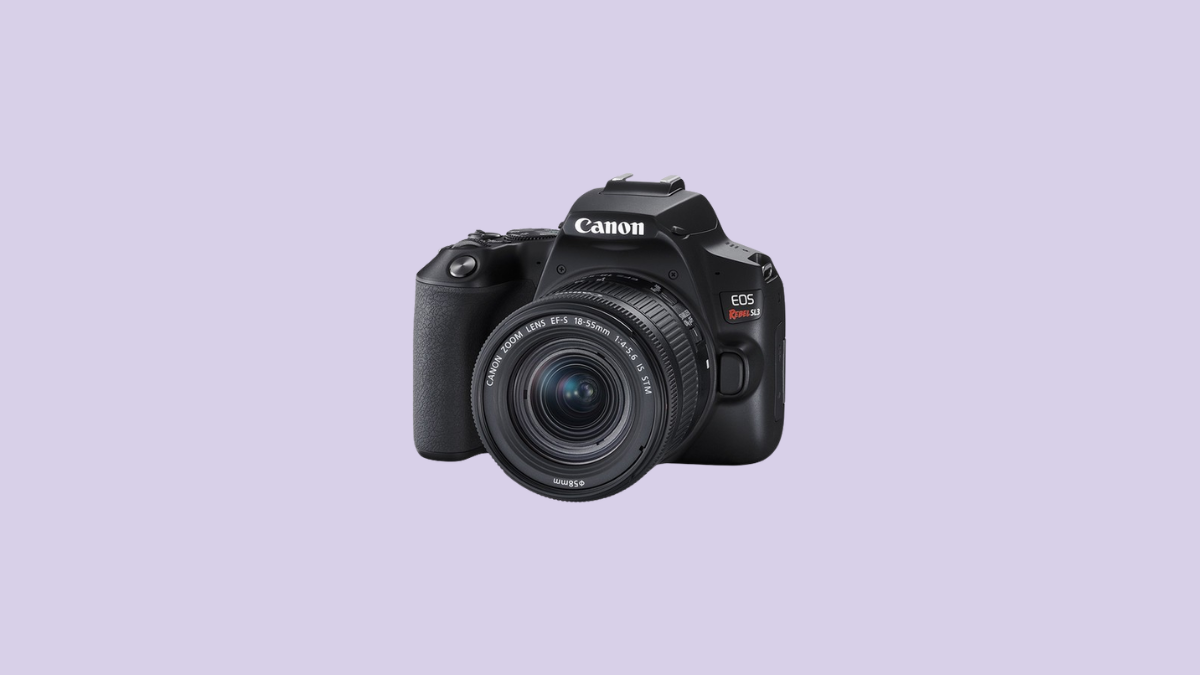
Canon SL3 SLR Camera Tutorial
The Canon SL3 DSLR Camera is a versatile, beginner-friendly camera that gives you more creative control than a…
2–3 minutesView: Canon SL3 SLR Camera Tutorial -
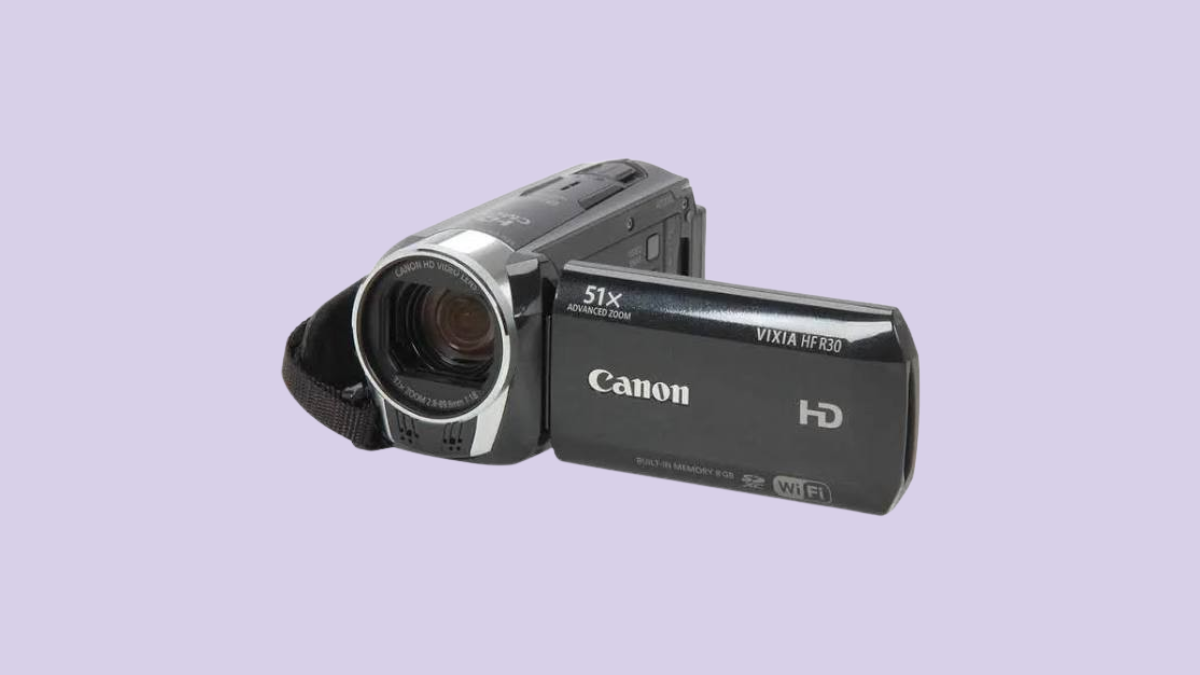
Canon VIXIA HF R30 Camcorder Tutorial
The Canon R30 Camcorder is a reliable, easy-to-use video camera designed for capturing high-quality footage with minimal setup.…
3–4 minutesView: Canon VIXIA HF R30 Camcorder Tutorial -
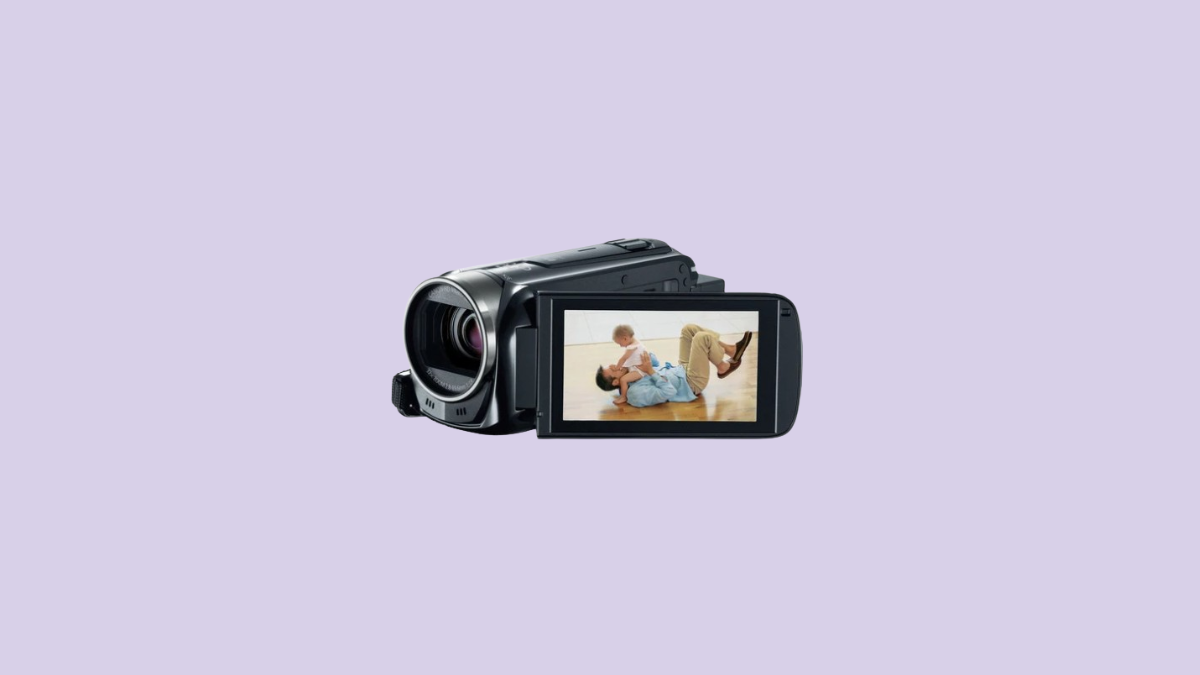
Canon VIXIA HF R50 Camcorder Tutorial
The Canon VIXIA HF R50 is a compact, easy-to-use camcorder designed for straightforward, reliable video recording. You might…
2–4 minutesView: Canon VIXIA HF R50 Camcorder Tutorial -
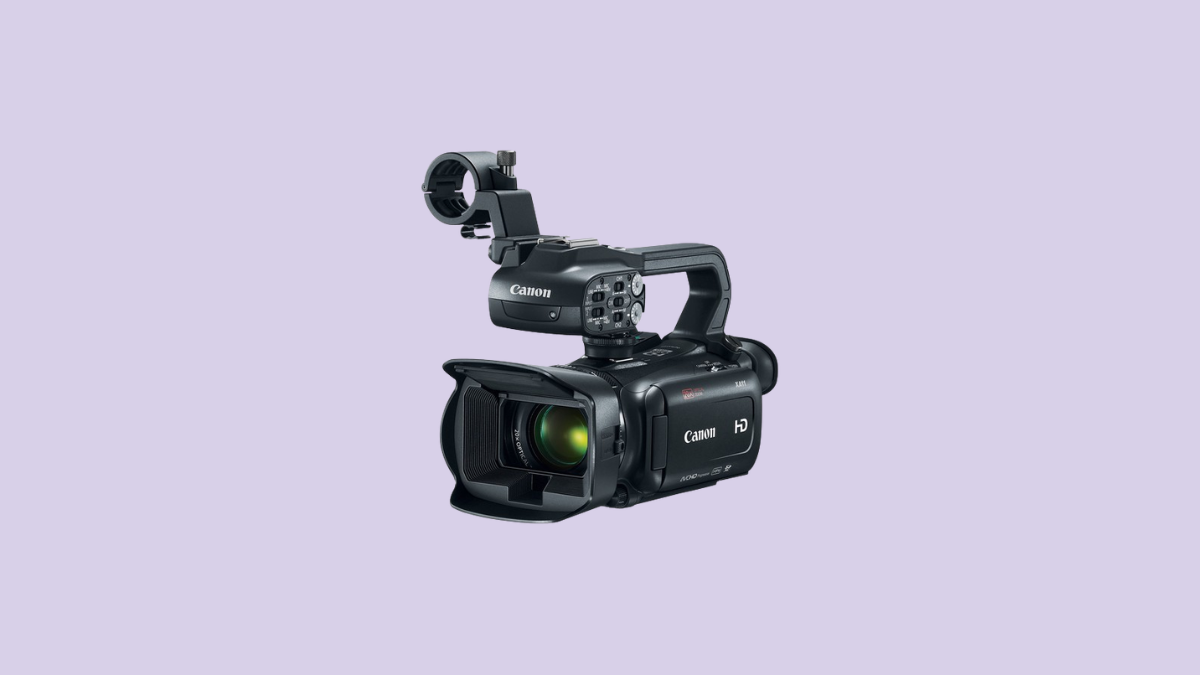
Canon XA11 Tutorial
The Canon XA11 is a professional video camera designed for interviews, events, and documentary-style projects. It offers higher…
2–3 minutesView: Canon XA11 Tutorial -
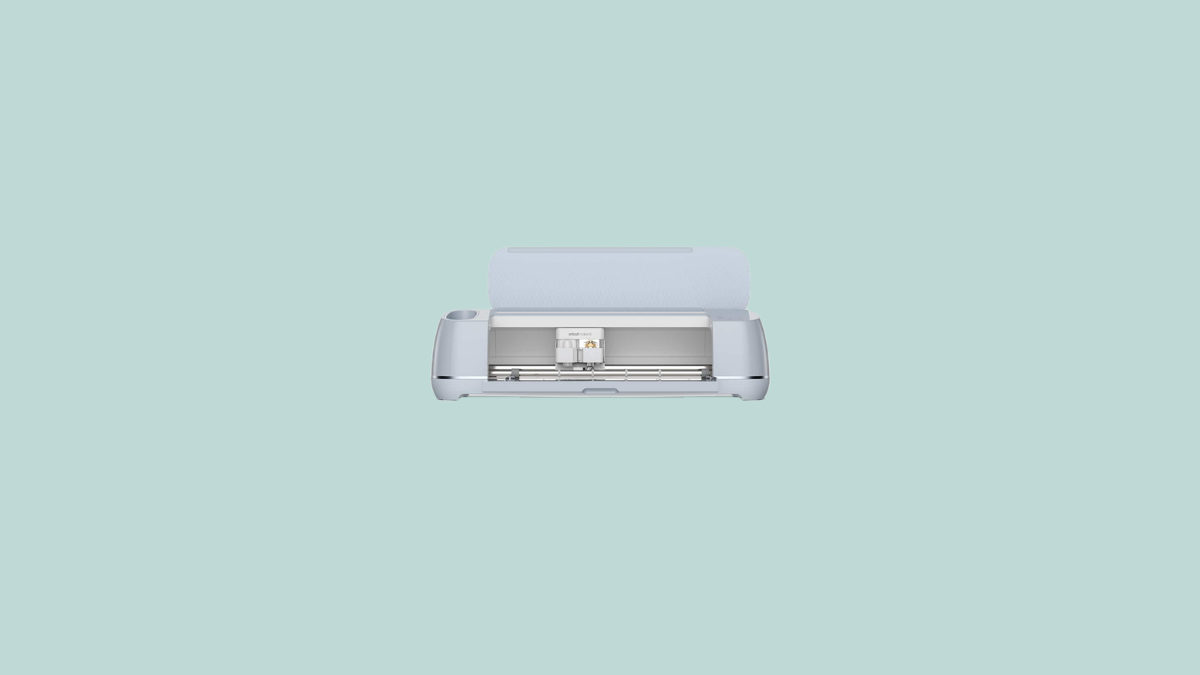
Cricut Tutorial
The Cricut cutting machine is a digital cutting tool used to precisely cut designs from materials like vinyl,…
1–2 minutesView: Cricut Tutorial -
Davinci Resolve Tutorial
DaVinci Resolve is a professional-grade video editing and color correction tool used across film, television, and online media…
1–2 minutesView: Davinci Resolve Tutorial -
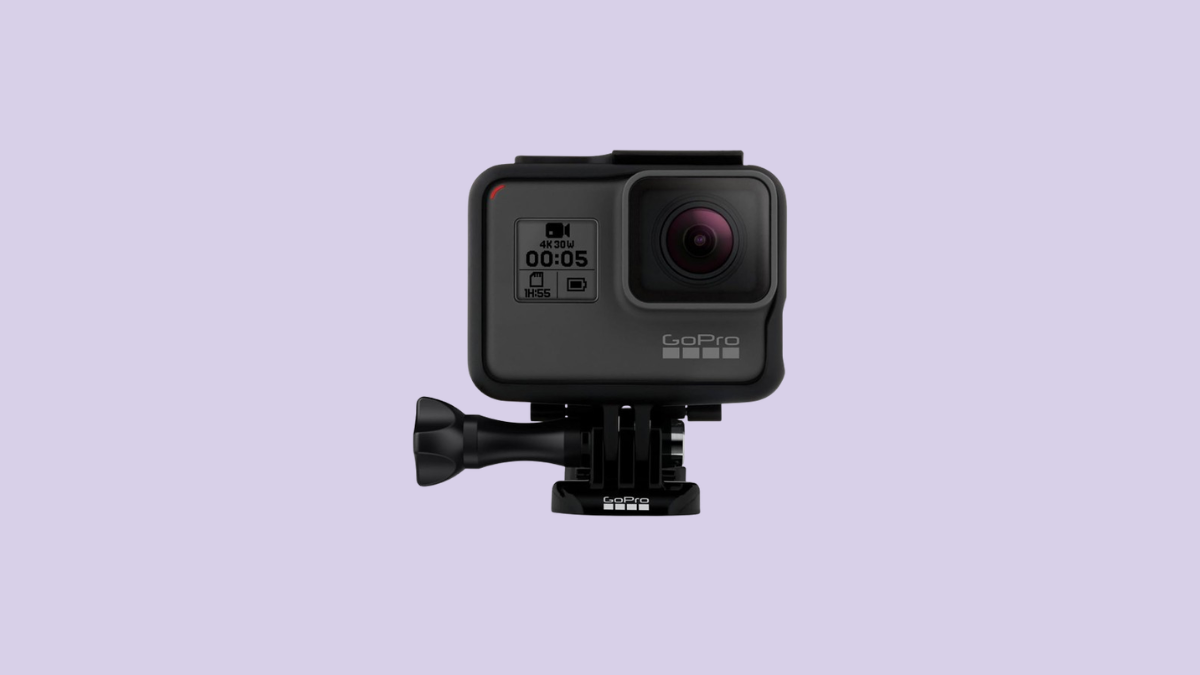
GoPro Hero 5 Black Tutorial
The GoPro HERO5 Black is a compact, durable action, waterproof camera designed for capturing high-quality video and photos…
2–3 minutesView: GoPro Hero 5 Black Tutorial -
iMovie Tutorial
iMovie is a free, user-friendly video editing app available on all Apple devices that’s great for getting started…
1–2 minutesView: iMovie Tutorial -
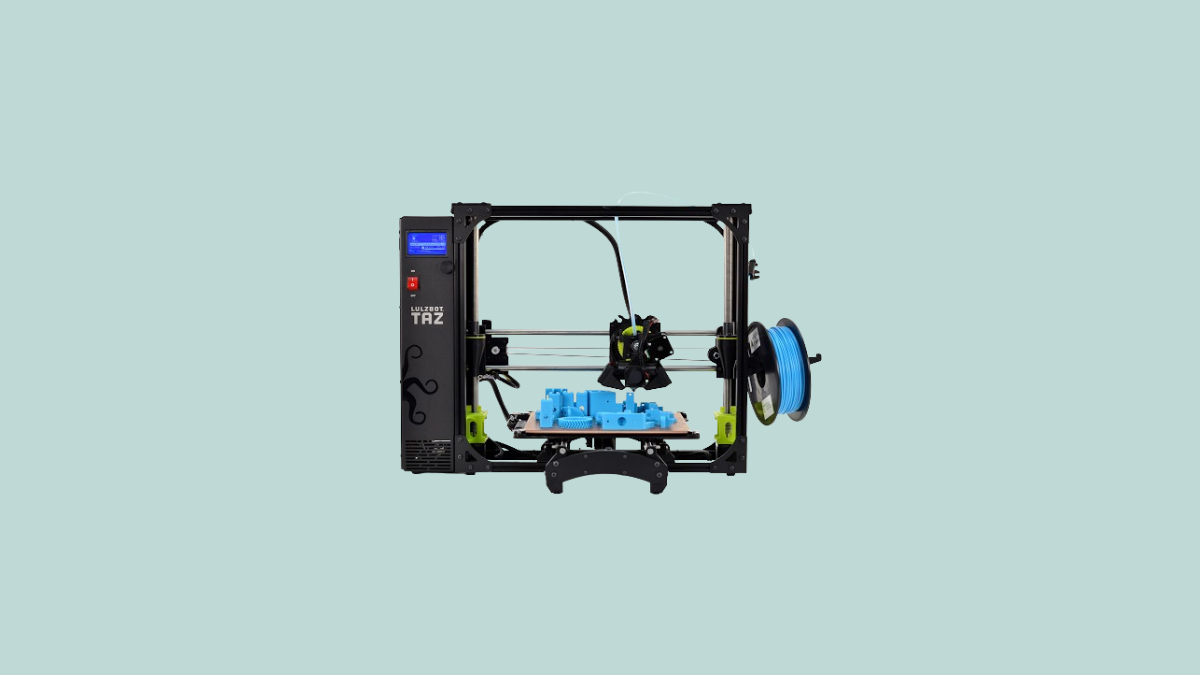
LulzBot Taz-6 Printer Tutorial
3D printers are powerful tools for visualization, invention, and creation. In the Media Center, we are pleased to…
4–6 minutesView: LulzBot Taz-6 Printer Tutorial -

Meshmixer Tutorial
Meshmixer is a free 3D modeling and mesh-editing tool commonly used for preparing files for 3D printing. You…
1–2 minutesView: Meshmixer Tutorial -
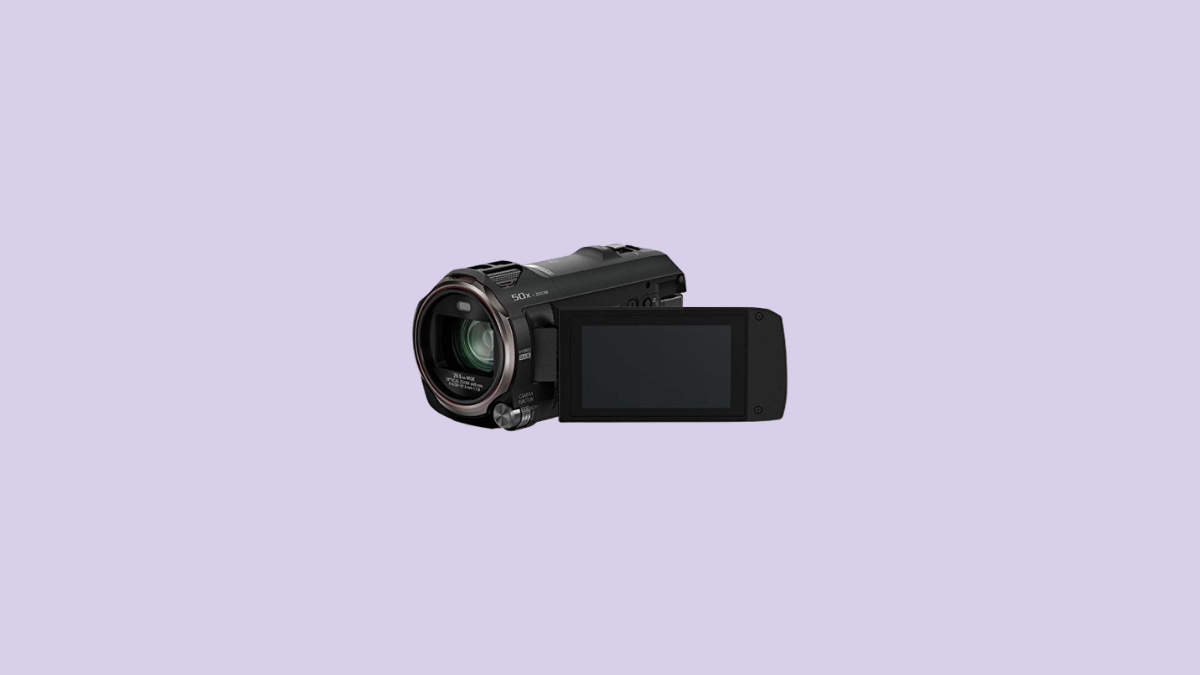
Panasonic HC-V770 Camcorder Tutorial
The Panasonic HC-V770 is a versatile camcorder ideal for capturing smooth, high-quality video for class projects, interviews, or…
2–3 minutesView: Panasonic HC-V770 Camcorder Tutorial -

Panopto – Audio/Screen Recording
Panopto is a recording tool used to capture screen activity, audio, and video for instructional content, presentations, and…
1–2 minutesView: Panopto – Audio/Screen Recording -
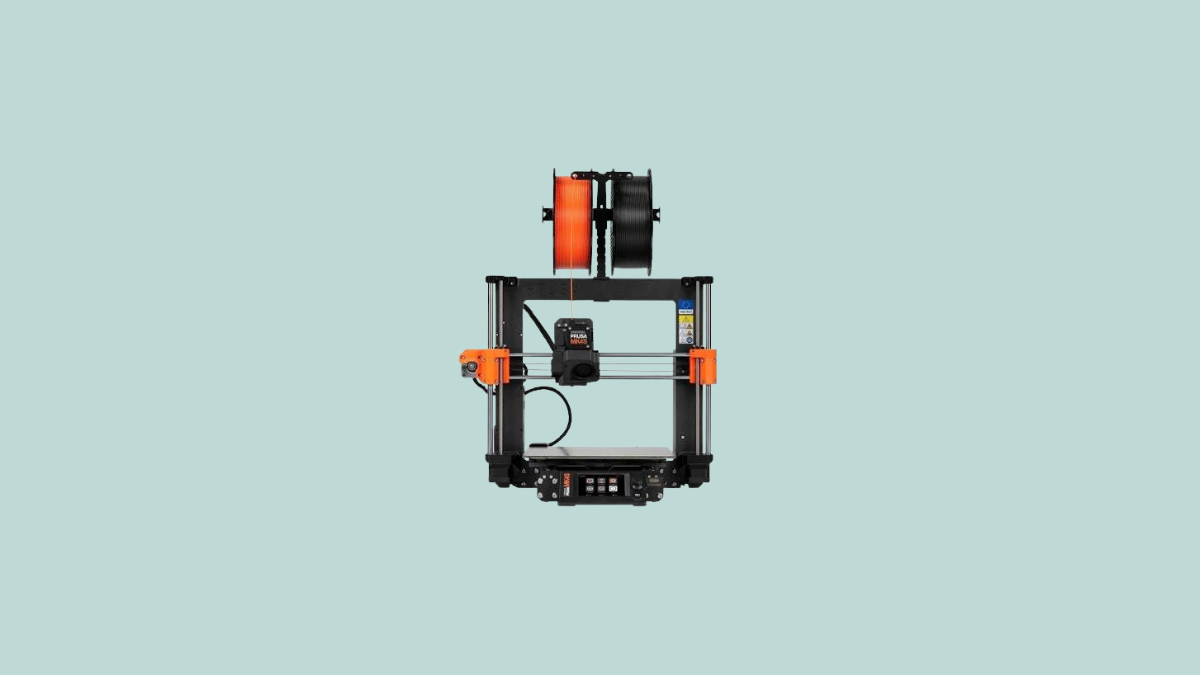
Prusa 3D Printer Tutorial
3D printers are powerful tools for visualization, invention, and creation. In the Media Center, we are pleased to…
5–8 minutesView: Prusa 3D Printer Tutorial -
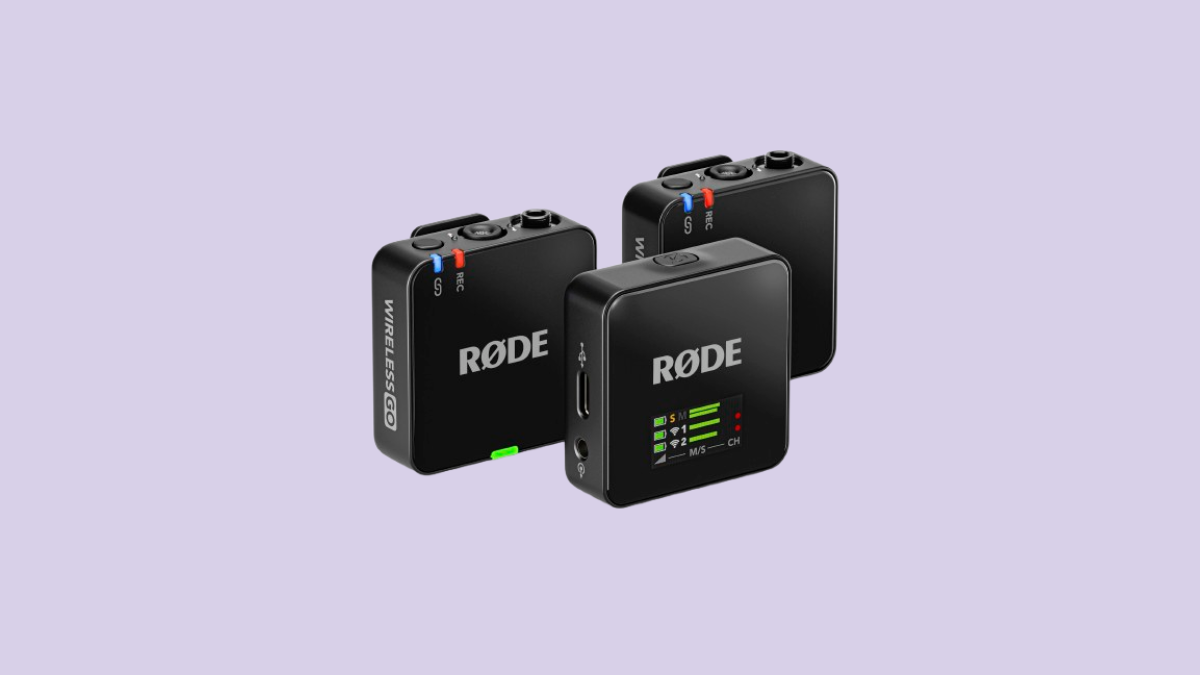
Rode Wireless Go II Tutorial
The Rode Wireless Go II is a compact, wireless microphone system that makes capturing clear audio simple for…
2–3 minutesView: Rode Wireless Go II Tutorial -
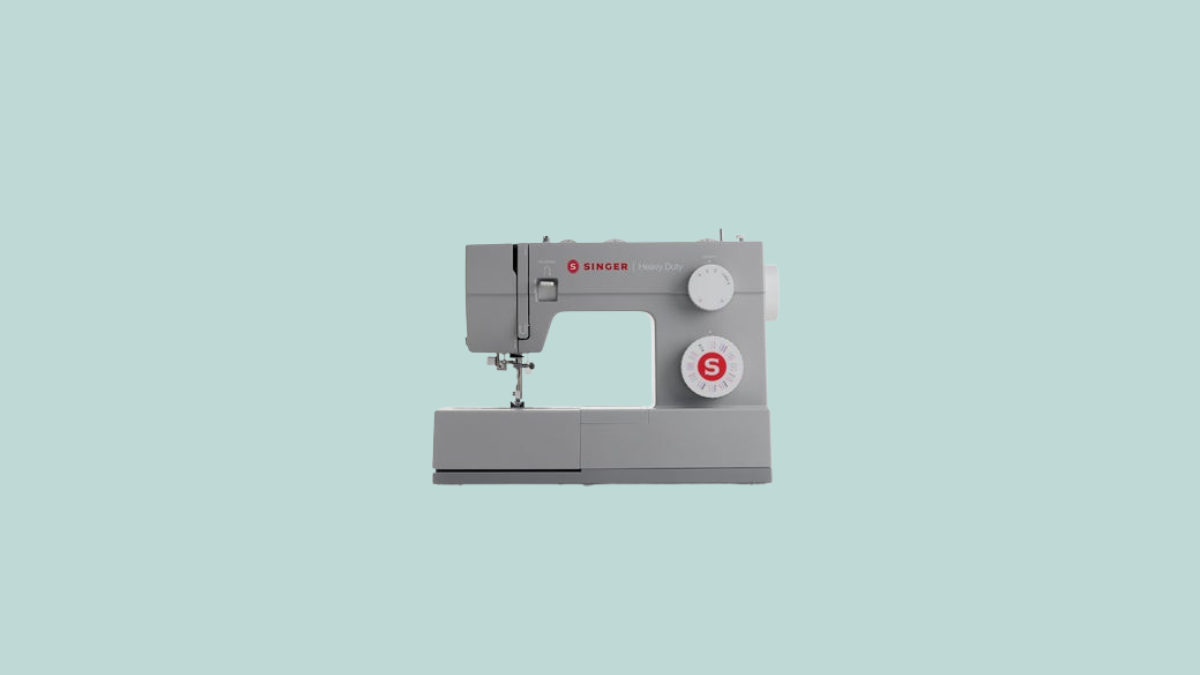
Singer Heavy Duty Sewing Machine Tutorial
The Singer Heavy Duty sewing machine is a robust, classroom-friendly machine designed to handle thicker fabrics and more…
2–3 minutesView: Singer Heavy Duty Sewing Machine Tutorial -
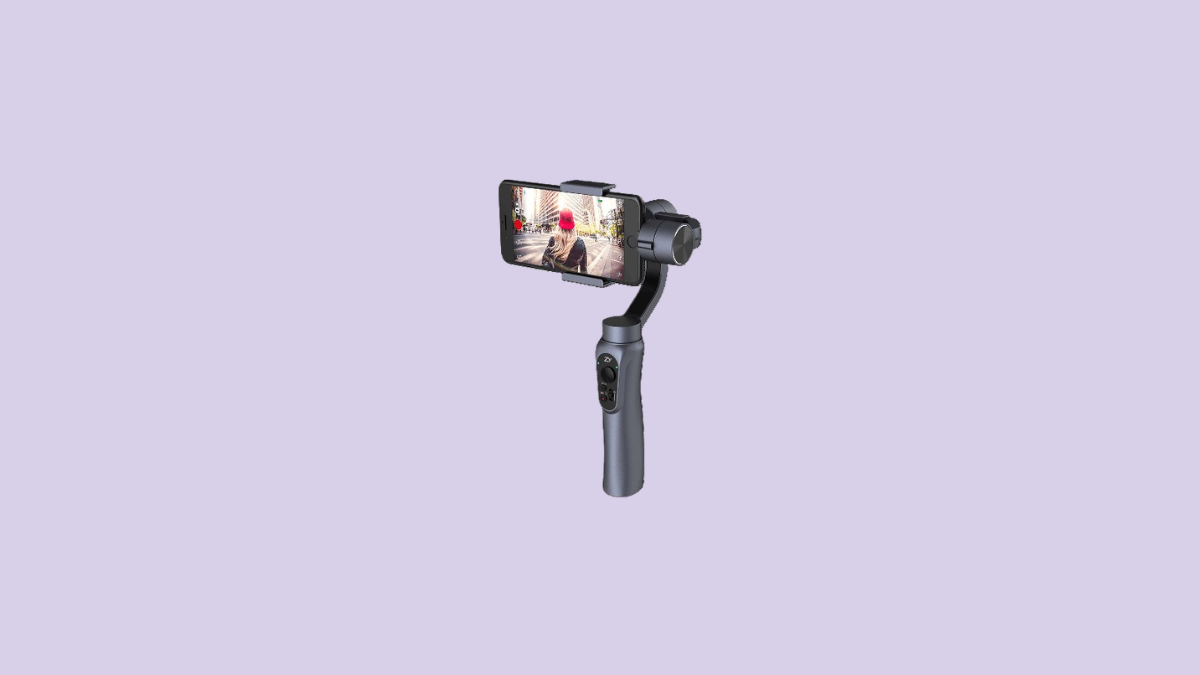
Smooth-Q Gimbal Tutorial
The Smooth-Q is a handheld gimbal that stabilizes your smartphone for smooth, professional-looking video. You might choose the…
1–2 minutesView: Smooth-Q Gimbal Tutorial -

Teams for Video Conferencing Tutorial
Microsoft Teams is a video conferencing and collaboration tool commonly used for classes, meetings, and group work. If…
1–2 minutesView: Teams for Video Conferencing Tutorial -

YouTube – Adding Subtitles and Captions Tutorial
Subtitles and captions make videos more accessible and easier to understand in noisy or quiet environments. YouTube provides…
1–2 minutesView: YouTube – Adding Subtitles and Captions Tutorial -

YouTube – Adding Video Chapters
Chapters allow viewers to jump to specific parts of a YouTube video. This is especially helpful for longer…
1–2 minutesView: YouTube – Adding Video Chapters -
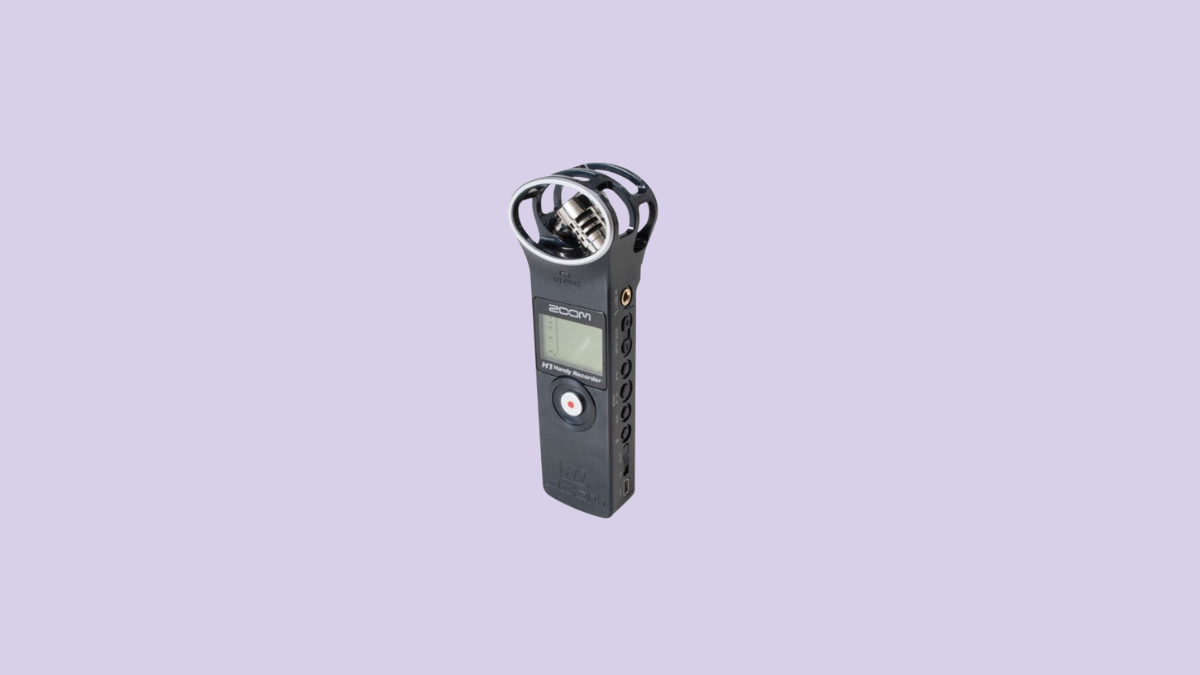
Zoom H1 Handy Recorder Tutorial
The Zoom H1 Handy Recorder is a compact portable audio recorder used for interviews, lectures, podcasts, and field…
2–3 minutesView: Zoom H1 Handy Recorder Tutorial -
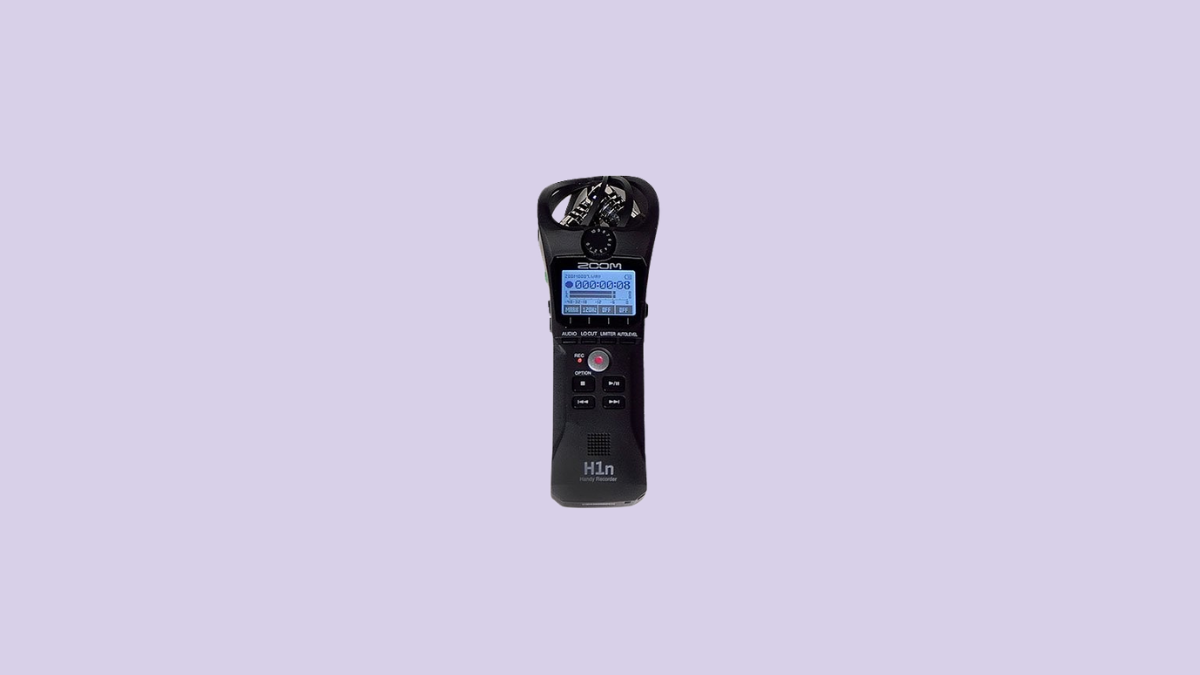
Zoom H1n Handy Recorder Tutorial
The Zoom H1n Handy Recorder is a compact, easy-to-use portable audio recorder designed for interviews, lectures, podcasts, and…
2–3 minutesView: Zoom H1n Handy Recorder Tutorial -
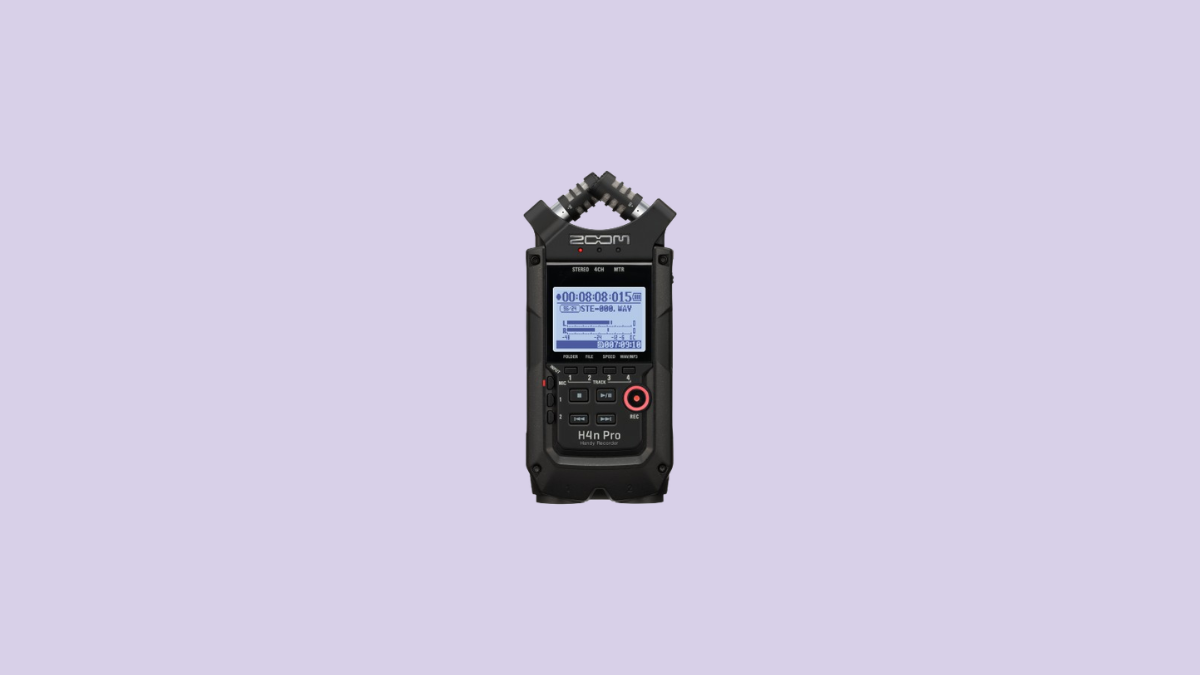
Zoom H4n Pro Audio Recorder Tutorial
The Zoom H4n Pro is a portable, high-quality audio recorder used for interviews, podcasts, music recording, and field…
2–3 minutesView: Zoom H4n Pro Audio Recorder Tutorial